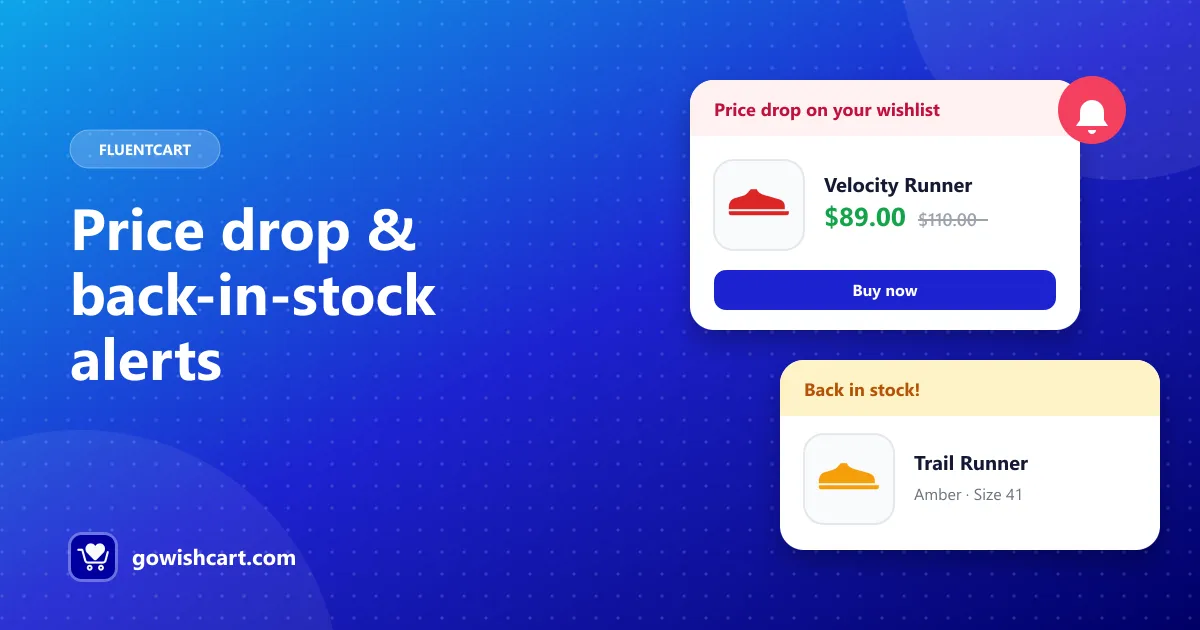
GoWishCart’s built-in alerts cover the two big moments: a price drop and a restock. But wishlists say a lot more about your shoppers than that. With FluentCRM, you can act on all of it.
The four triggers
When FluentCRM is active and connected in the GoWishCart settings, you get four new automation triggers:
| Trigger | Fires when |
|---|---|
| Item added | A contact adds a product to their wishlist |
| Item removed | A contact removes a product from their wishlist |
| Price drop | A product in a contact’s wishlist drops in price |
| Back in stock | An out-of-stock wishlist product becomes available |
Each one can start a FluentCRM funnel, with all of FluentCRM’s waits, conditions, tags and email actions available after it.
Four funnels worth building
1. The gentle reminder
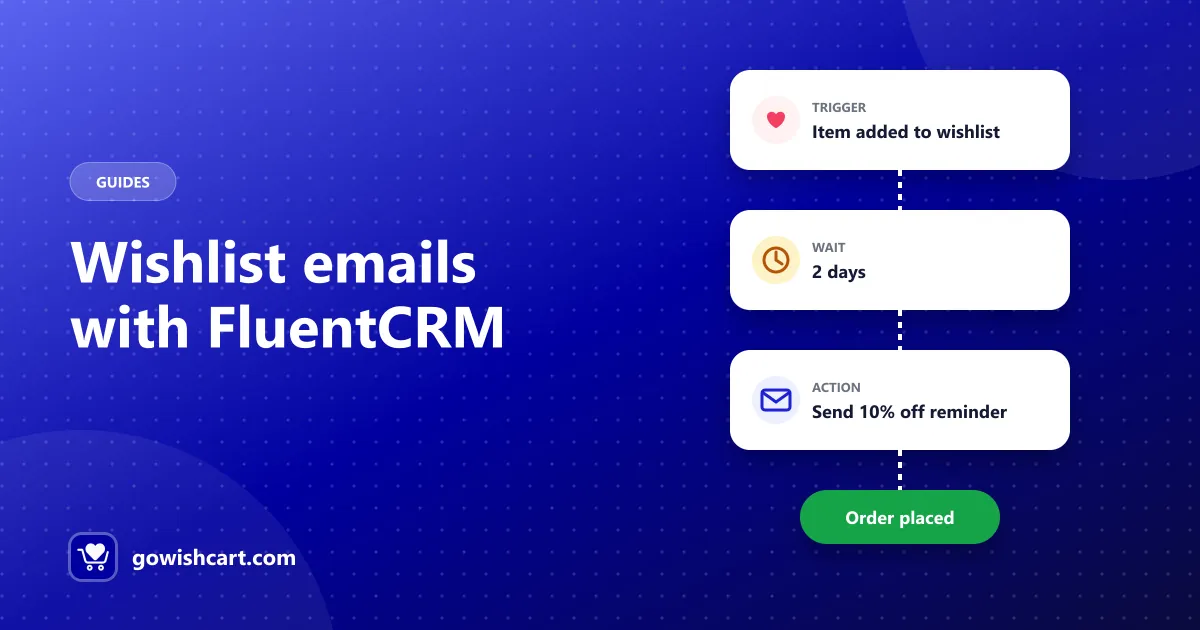
Trigger: Item added → Wait 2–3 days → Email: “Still thinking about it?”
Show the saved product and a clear link back to it. Keep it short and friendly. Many shoppers just need a nudge.
2. The nudge with an incentive
Trigger: Item added → Wait 7 days → Condition: hasn’t purchased → Email: a small discount code
Save discounts for people who haven’t bought after a reminder, so you don’t give margin away to shoppers who would have bought anyway.
3. The “you might also like” follow-up
Trigger: Item removed → Email: similar or alternative products
Removing an item often means not this one, not nothing at all. Show alternatives from the same category.
4. Urgency on restocks
Trigger: Back in stock → Email: “It’s back — limited stock” → Tag: restock-interested
Pair this with GoWishCart’s built-in alert, or replace the built-in email with your own branded version.
Tips
- Tag as you go. Add tags like wishlist-active in your funnels so you can segment campaigns later.
- Don’t double up. If a FluentCRM funnel sends its own price drop email, make sure shoppers don’t get two emails for the same event.
- Keep the product front and center. The saved item is the reason the email exists. Lead with it.
Get started
Install FluentCRM, then open Settings → GoWishCart to connect it. The triggers will appear in FluentCRM’s automation editor. See the documentation for details.
Frequently asked questions
Which FluentCRM triggers does GoWishCart add?
Four: item added to a wishlist, item removed from a wishlist, wishlist item price drop, and wishlist item back in stock.
Is FluentCRM required?
No. FluentCRM is optional. GoWishCart's built-in price drop and back-in-stock alerts work without it; FluentCRM adds custom automation funnels.
Is the FluentCRM integration a Pro feature?
No. The FluentCRM integration is included in the free version of GoWishCart.

GoWishCart Team
We build GoWishCart, the free wishlist plugin for FluentCart stores. Questions about this article? Ask in thesupport forum.