On this page
A wishlist tells you what a shopper wants. Alerts tell them when to buy it.
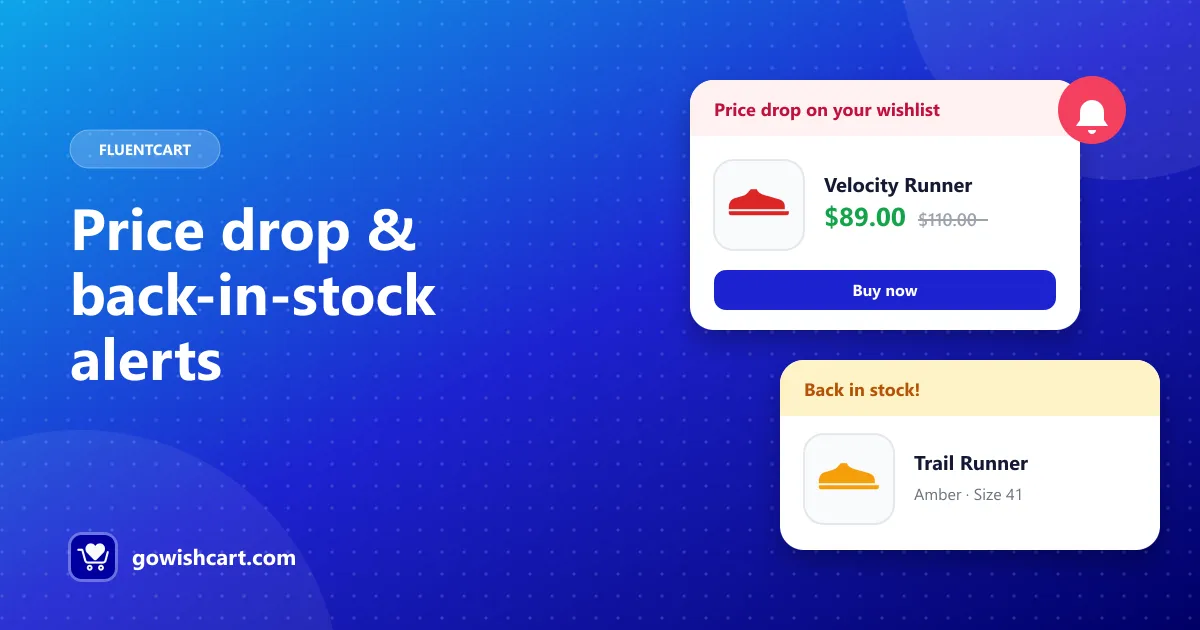
GoWishCart includes two automatic notifications that turn saved items into orders: price drop alerts and back-in-stock alerts.
Why these two moments matter
People save products for a reason. Usually it’s one of two things:
- “It’s a bit too expensive right now.” A price drop removes the objection.
- “It’s sold out in my size.” A restock removes the obstacle.
An email that arrives at exactly that moment doesn’t feel like marketing. It feels like a helpful heads-up — and it lands with someone who has already shown intent.
How the alerts work
Price drop alerts
When a product in someone’s wishlist goes on sale, GoWishCart emails them automatically. Because GoWishCart saves the exact variation, the alert is about the version they actually want.
Back-in-stock alerts
When an out-of-stock wishlist item becomes available again, GoWishCart lets the shopper know. This is especially useful for popular sizes and limited runs, where stock comes and goes.
Who gets them
Alerts are sent to shoppers who have an email address on file:
- logged-in customers, and
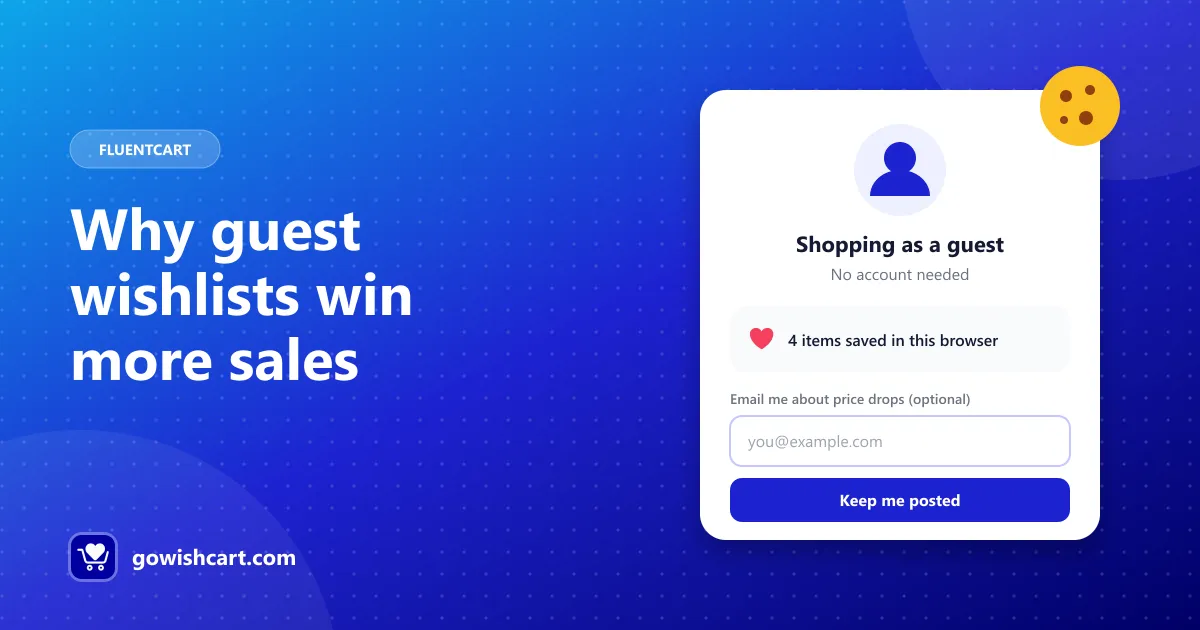
- guests who chose to leave their email (see guest wishlists).
Setting it up
- Open Settings → GoWishCart.
- Turn on price drop and back-in-stock notifications.
- Make sure your site can send email reliably. An SMTP plugin is a good idea for any store.
That’s it — alerts run on their own from then on.
Getting more from alerts
- Run sales on wishlisted products. Wishlist activity shows you which items people want. A small discount on those products triggers alerts to exactly the right people.
- Restock the most-wanted items first. If you have to choose what to reorder, start with the products that sit in the most wishlists.
- Go further with FluentCRM. Built-in alerts cover the essentials. For follow-ups, coupon codes or multi-step sequences, use the FluentCRM triggers.
The bottom line
Alerts are the part of a wishlist that actually brings people back. Turn them on, keep your email delivery healthy, and let your wishlists do some of the selling.
Frequently asked questions
Who receives wishlist alerts?
Customers and guests who have an email address on file and have the product in their wishlist.
Do I need FluentCRM for alerts?
No. Price drop and back-in-stock alerts are built into GoWishCart. FluentCRM is optional and adds automation triggers for more advanced campaigns.
Why aren't my alerts being sent?
Check that notifications are enabled in GoWishCart, the shopper has an email address on file, and your site can send email reliably — an SMTP plugin helps.

GoWishCart Team
We build GoWishCart, the free wishlist plugin for FluentCart stores. Questions about this article? Ask in thesupport forum.