On this page
Picture a first-time visitor who finds a jacket they like. They’re not ready to buy, so they click the heart to save it — and get a login screen. Most of them won’t create an account just to bookmark a product. They’ll close the tab, and the jacket goes with them.
Guest wishlists fix this.
The cost of a signup wall
A wishlist is a low-commitment action. The shopper is saying maybe later. Asking for a username and password at that moment turns a small, easy yes into a big decision, and many people simply leave.
Letting them save first and ask for details later keeps the interest alive — and gives you something to follow up on.
How guest wishlists work in GoWishCart
GoWishCart treats guests and logged-in customers the same way:
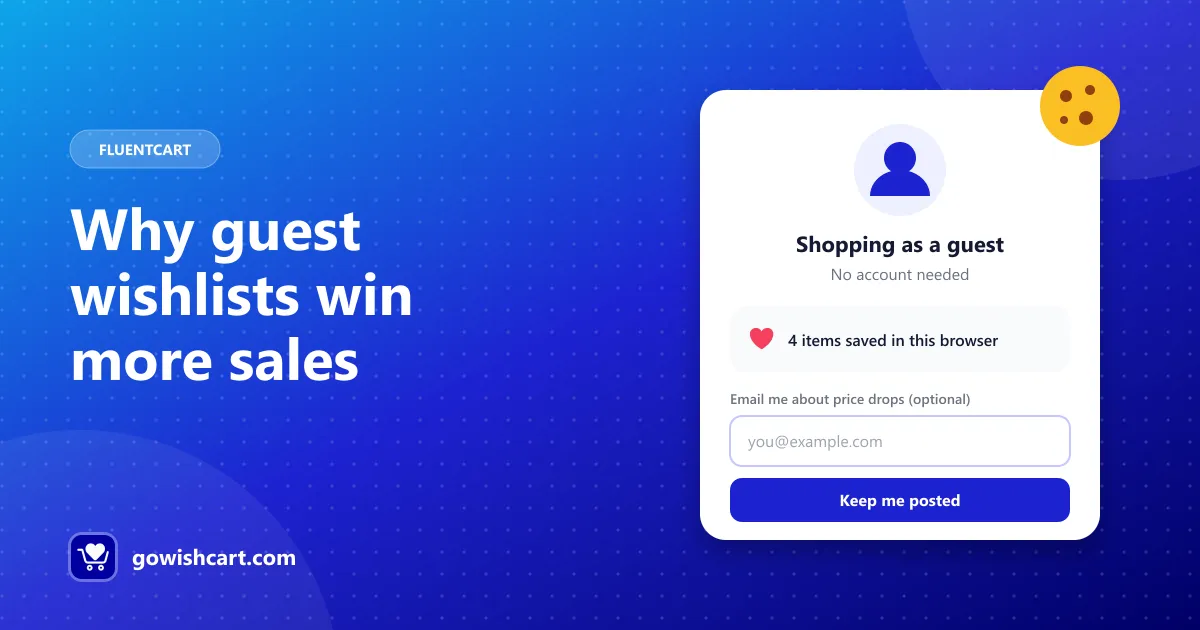
- Guests can add, view and remove wishlist items without an account.
- The wishlist is stored with a session cookie in their browser.
- Variation details — color, size and so on — are saved just like for customers.
There’s nothing to switch on: guest support is part of the free plugin.
Capture the email — but make it optional
A guest wishlist on its own lives in one browser. To follow up, you need a way to reach the shopper. GoWishCart supports optional email capture for guests. Once a guest gives you their email, they can receive:
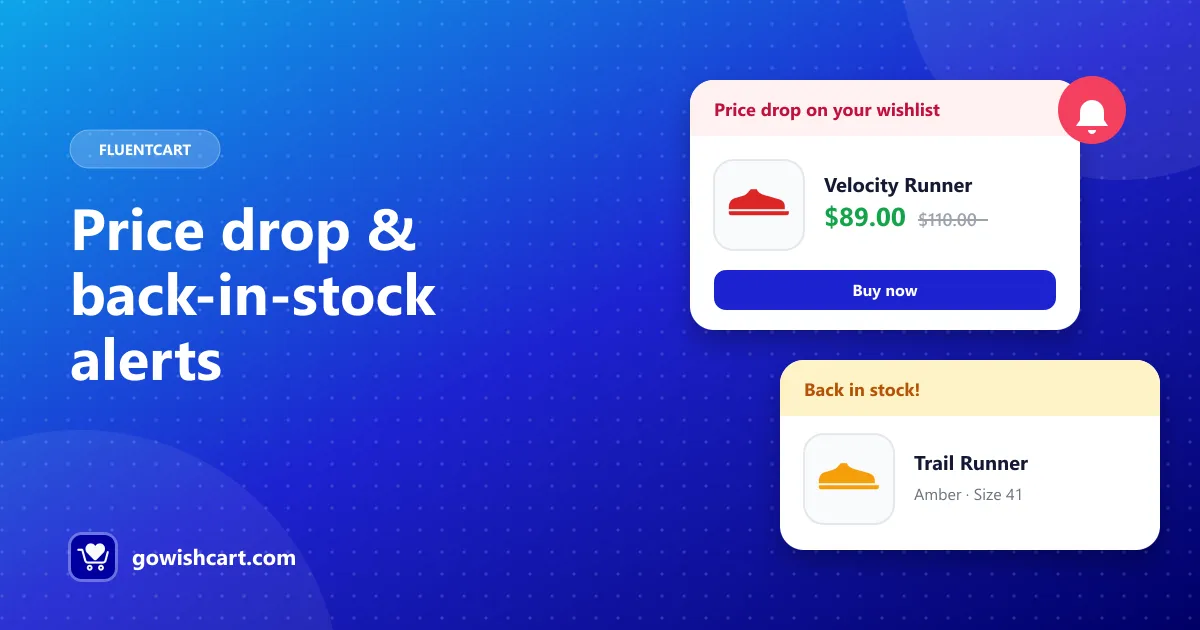
- price drop alerts when a saved item goes on sale, and
- back-in-stock alerts when a sold-out item returns.
Frame the email field as a benefit, not a requirement. “Email me if the price drops” gets far more sign-ups than “Enter your email to continue.”
Tips for guest-friendly wishlists
- Show the button on shop pages. Saving from the catalog is even lower effort than opening each product.
- Use the “Remove from wishlist” state. Clear feedback reassures guests that the save worked.
- Link to the wishlist in your header or menu. Guests don’t have an account page to find it from.
- Mention cookies in your privacy policy. Explain that guest wishlists use a cookie and what you do with any email addresses. Our privacy page has a starting point.
The bottom line
Every product a shopper saves is a signal they want it. Guest wishlists let you capture that signal from everyone, not just the small share of visitors who already have an account.
Ready to set it up? Follow the setup guide.
Frequently asked questions
How are guest wishlists stored?
GoWishCart stores guest wishlists with a session cookie in the shopper's browser, so they don't need an account.
What happens if a guest clears their cookies?
The cookie links the guest to their wishlist, so clearing cookies or switching browsers starts a new wishlist.
Can guests get notifications?
Yes, if they give you their email address. GoWishCart supports optional email capture for guests so they can receive price drop and back-in-stock alerts.

GoWishCart Team
We build GoWishCart, the free wishlist plugin for FluentCart stores. Questions about this article? Ask in thesupport forum.