On this page
Most shoppers don’t buy on their first visit. They browse, compare, wait for payday or for a sale — and then forget where they saw that product. A wishlist gives them a place to park the items they want, and gives you a reason to bring them back.
GoWishCart is a free WordPress plugin that adds wishlists to stores built on FluentCart. It’s built for FluentCart from the ground up, so it works with your FluentCart products, variations, pricing and checkout out of the box.
What GoWishCart does
Save for later, in one click
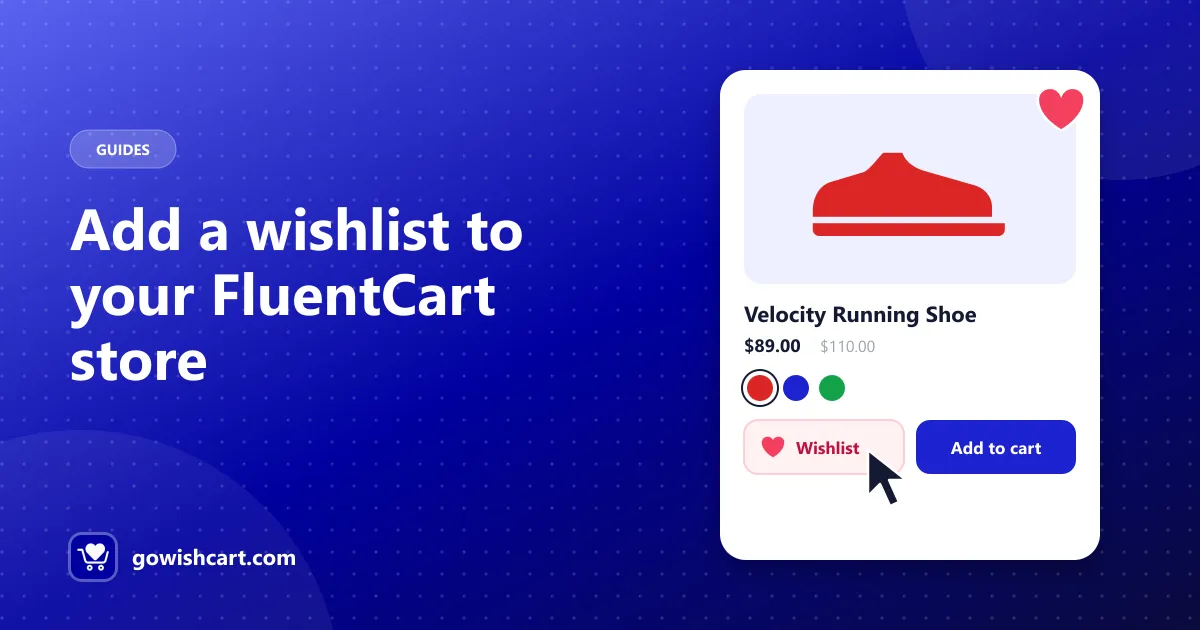
GoWishCart adds an Add to wishlist button to your product pages, and optionally to your shop and archive pages. Once an item is saved, the button can switch to Remove from wishlist, so shoppers always know what they’ve already saved.
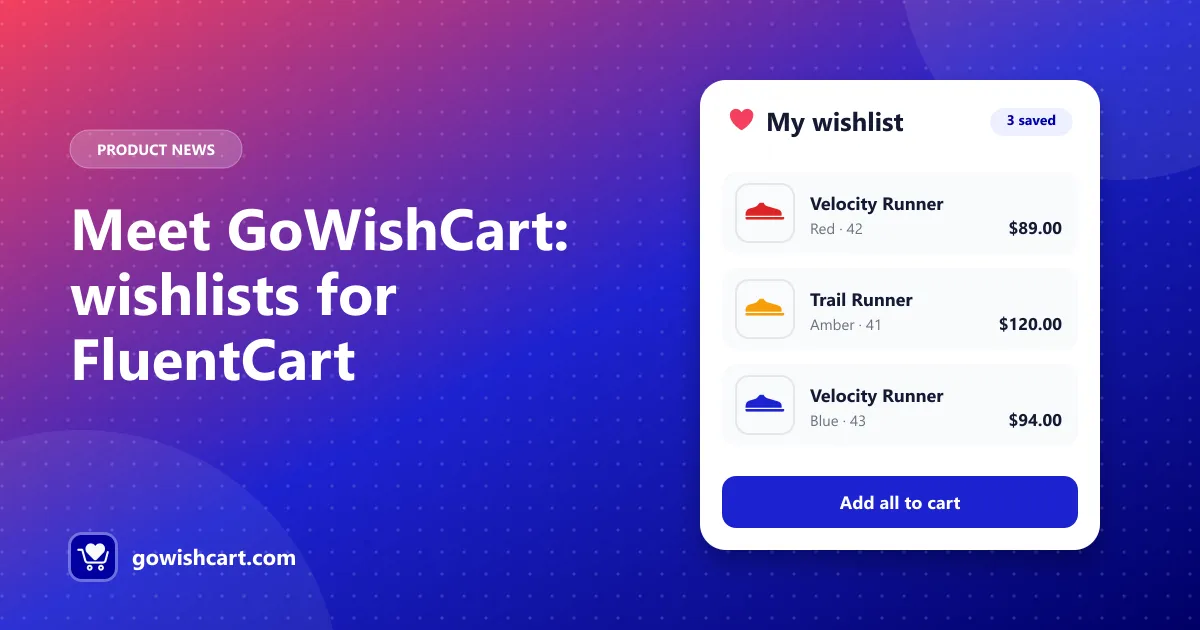
From the wishlist page, customers can add items straight to their cart.
Remembers the exact variation
If a customer picks red, size 42 and clicks the heart, that’s exactly what lands in their wishlist — not just the parent product. When they come back, they see the variation they chose and its price.
No account required
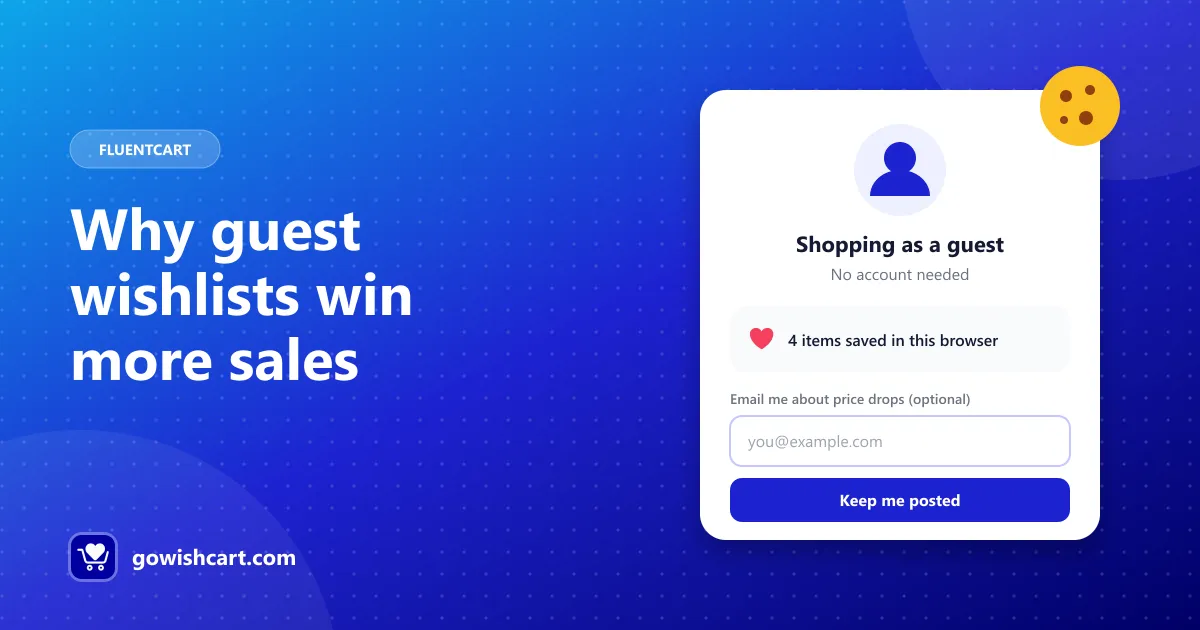
Forcing people to sign up before they can save a product is a fast way to lose them. GoWishCart supports guest wishlists, stored with a session cookie. You can optionally ask guests for their email so they can get notifications too.
Alerts that bring shoppers back
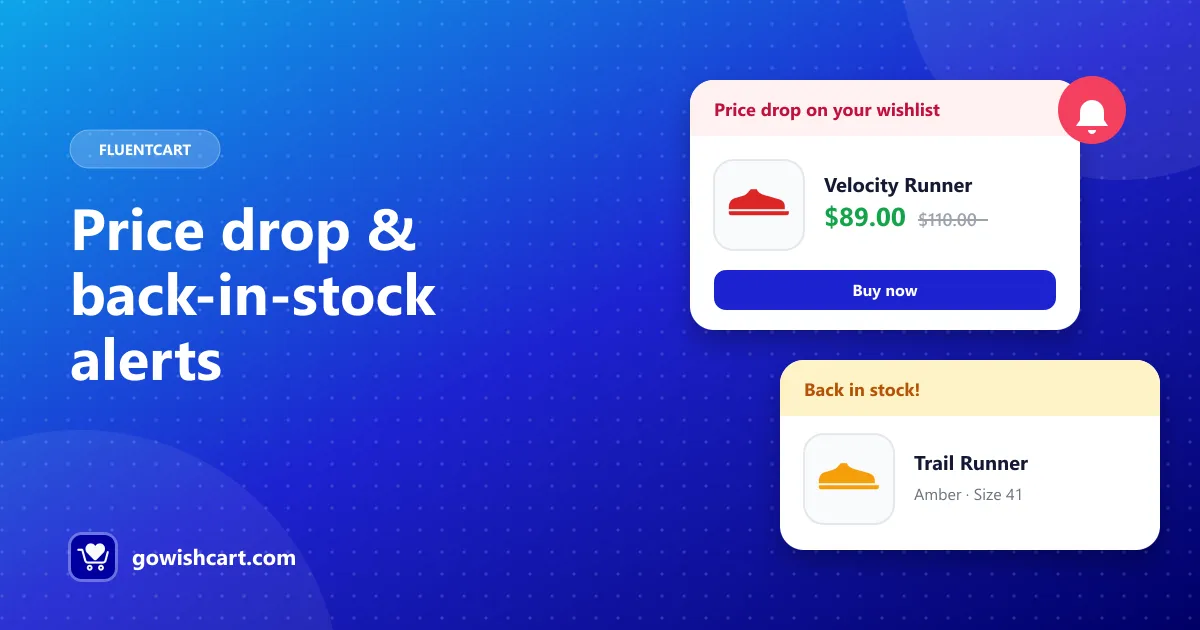
GoWishCart can email customers when an item in their wishlist:
- drops in price, or
- comes back in stock.
These are the two moments a shopper is most likely to buy, and the email goes out without you lifting a finger.
FluentCRM automation
If you use FluentCRM, GoWishCart adds four automation triggers: item added, item removed, price drop and back in stock. Use them to build reminder emails, discount offers or cross-sell sequences.
Customize it to fit your store
From Settings → GoWishCart you can:
- pick the wishlist page, or let GoWishCart create one;
- put the button at the top or bottom of product pages;
- show buttons on shop pages;
- change the button text and icons;
- add custom CSS.
Two shortcodes let you place things anywhere: [gowishcart_wishlist] for the wishlist and [gowishcart_wishlist_button] for the button.
Free and Pro
Everything above is in the free plugin. GoWishCart Pro adds multiple wishlists per customer, shared and public wishlists, social sharing to Facebook, X, Pinterest, WhatsApp and email, and analytics with wishlist-to-cart conversion tracking.
Get started
Install FluentCart, then search for GoWishCart under Plugins → Add New. The setup guide walks through every setting.
Frequently asked questions
What is GoWishCart?
GoWishCart is a free wishlist plugin built for FluentCart. It adds an “Add to wishlist” button to product and shop pages, a wishlist page, guest wishlists, variation support, price drop and back-in-stock alerts, and FluentCRM triggers.
Is GoWishCart free?
Yes. The core plugin is free on WordPress.org. GoWishCart Pro adds multiple wishlists, public and shared wishlists, social sharing and analytics.
Does GoWishCart work with WooCommerce?
No. GoWishCart is built specifically for FluentCart and requires FluentCart to be installed and active.

GoWishCart Team
We build GoWishCart, the free wishlist plugin for FluentCart stores. Questions about this article? Ask in thesupport forum.